
Ask most extraction tools how they work and the honest answer is: OCR the page, stuff the text into one prompt, return the JSON. It works on clean, templated documents and falls apart on the messy reality of insurance — a scanned ACORD with a handwritten margin note, a loss run whose totals don’t foot, a broker email with the real number buried three paragraphs down. A single pass has no way to notice it got something wrong, and no second chance to fix it.
InsightXtract’s extraction engine is built as an agent that reasons in a loop — a state machine with five distinct moves and a self-correction cycle. Each move has a job; the agent carries its findings forward; and it doesn’t finish until it has checked itself. Here’s the whole loop, then a real document walked through it.
detect type · render pages
read structure] P --> PL[plan
per-field strategy:
vision or text] PL --> E[extract
fields + tables
each with evidence] E --> V{validate
types · rules ·
cross-field} V -->|failed & retries < 2| RE[re_extract
only the failed fields
at higher temperature] RE --> V V -->|passed, or retries used| R[reflect
compile · score confidence
emit trace] R --> D([Done])
The five moves, in plain terms
1 · Perceive — understand the document before reading it
The agent first detects the file type and page count, renders pages to images where needed, and reads a text preview. Then it does something a one-shot tool never does: it forms a structural understanding — is this a form, a letter, a spreadsheet? Where are the tables? What will be hard (faint scan, rotated page, dense grid)? That perception shapes every later move.
2 · Plan — decide how to read each field
Not every field is best read the same way. A typed policy number is cleanest from the text layer; a stamped date or a value inside a bordered box is better seen in the page image. In the plan step the agent assigns each field a strategy — vision or text — and an extraction order. (That decision has its own post; see the link at the end.)
3 · Extract — pull values with their evidence
The agent extracts each field and table, and every value comes back not as a bare string but as a small record — the value, a confidence, the source it came from, and a one-line reasoning. Tables are pulled row by row. Nothing is anonymous; everything can be traced.
{ "value": "07/01/2026", "confidence": 0.93, "source": "page 1, Policy Period", "reasoning": "Read from the declarations block; unambiguous printed date." }
4 · Validate — check the work against rules and itself
This is the move that separates an agent from a prompt. The agent runs per-field checks (required, is-a-number, is-a-date, in-range) and cross-field checks (the classic: line items must sum to the stated total; effective date before expiration). If everything passes, it moves on. If not — it doesn’t just report the error.
5 · Re-extract — a real second chance, targeted
When validation fails and it hasn’t exhausted its retries, the agent loops back and re-extracts only the fields that failed, with a sharpened prompt and a slightly higher temperature to break out of the earlier reading. It re-validates. This is how a total that didn’t foot on the first pass gets fixed before any human is involved — not by luck, but by design.
6 · Reflect — compile, score, and leave a trail
Finally the agent assembles the output, computes an overall confidence, and emits an append-only trace of everything it did. That confidence is what routes a document to straight-through processing or to a reviewer; the trace is what makes the whole thing auditable.
A real document through the loop
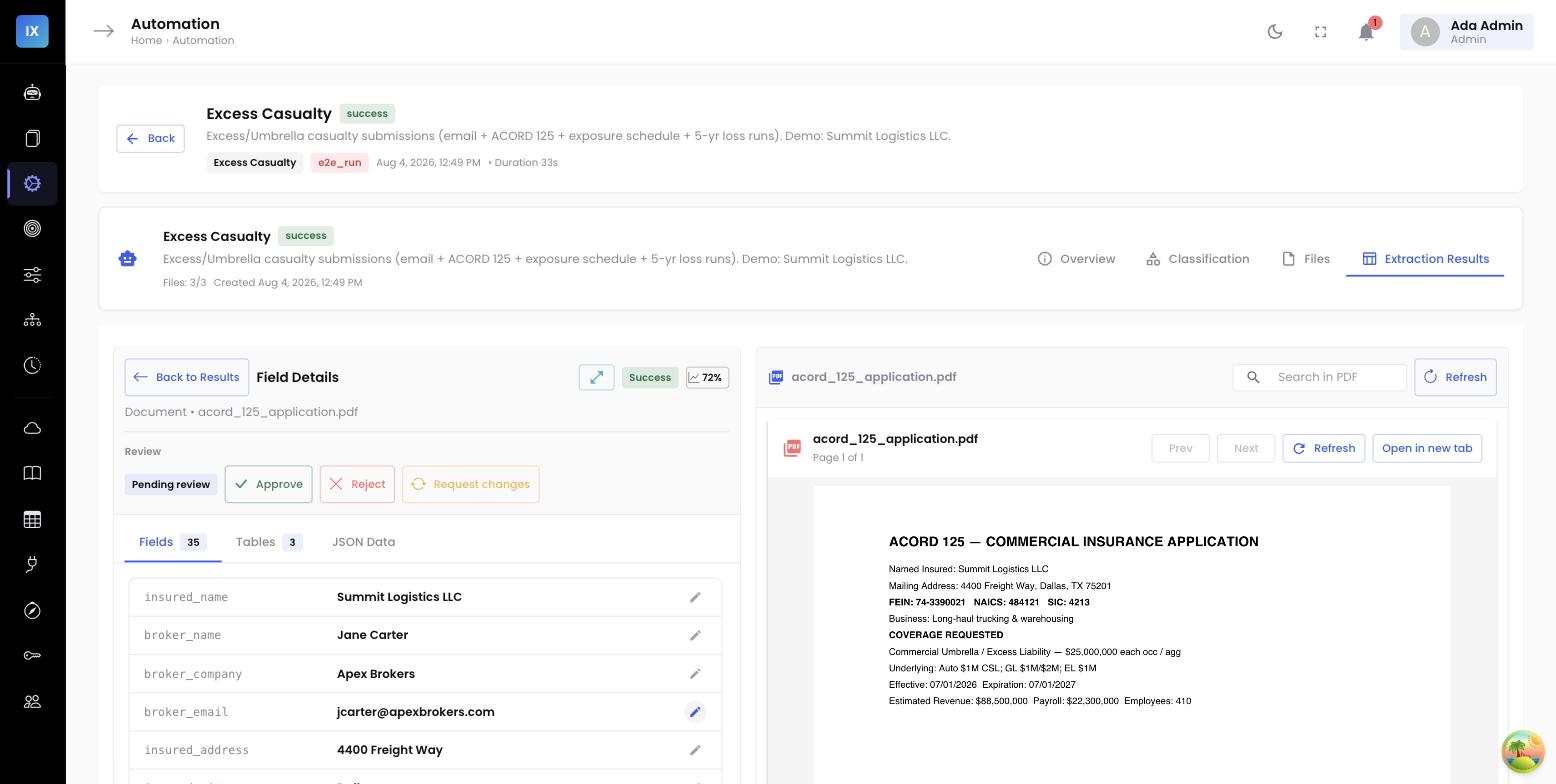
A scanned ACORD 125 with a loss summary table. Here’s the agent’s own trace — the ordered log it records for every run.
effective_date (stamped) and the loss table; text to insured_name, policy_number, FEIN. 18 fieldsloss_history table, each with evidence. total_incurred read as $310,000. doneeffective_date confidence low (0.58) under the stamp. 2 issueseffective_date (temp +0.1). Table now sums correctly; date resolved to 07/01/2026 at 0.91. fixedA single-pass tool would have returned $310,000 with a confident-looking score and a date it couldn’t actually read — and no one would have known until a claim came in. The loop caught both, fixed both, and recorded exactly how.
Why a loop beats a bigger model
It’s tempting to think accuracy is just a matter of a better LLM. It isn’t. The gains that matter on real insurance documents come from orchestration:
- Self-correction, not hope. The re-extract loop turns “the model sometimes gets it wrong” into “the system catches and fixes it,” on exactly the fields that failed a check.
- Right tool per field. Choosing vision vs. text per field beats forcing every value through one modality.
- Grounded confidence. Because the agent validates against rules and evidence, its confidence means something — which makes the straight-through vs. review gate trustworthy.
- A trail by construction. The trace isn’t bolted on for compliance; it’s a byproduct of how the agent works.
The trace is a feature, not a log
Every run records its ordered steps — perceive, plan, extract, validate, re-extract, reflect — with what each touched and why. For an insurer deploying AI in underwriting or claims, being able to show how a number was reached is not a nice-to-have; it’s the difference between a pilot and production.
Where this shows up in the product
You don’t configure the loop — it runs on every extraction. What you configure is what it checks (the rules and invariants), how it reads (the field strategies), and where the confidence gate sits. The result is an extraction you can trust enough to automate, and audit when you need to.
Read next →
Go deeper on two of the moves: self-checking extraction & the re-extract loop and how the agent decides to look vs. read. Then see the loop applied across documents: resolving conflicts to the correct value.